

Table of Contents
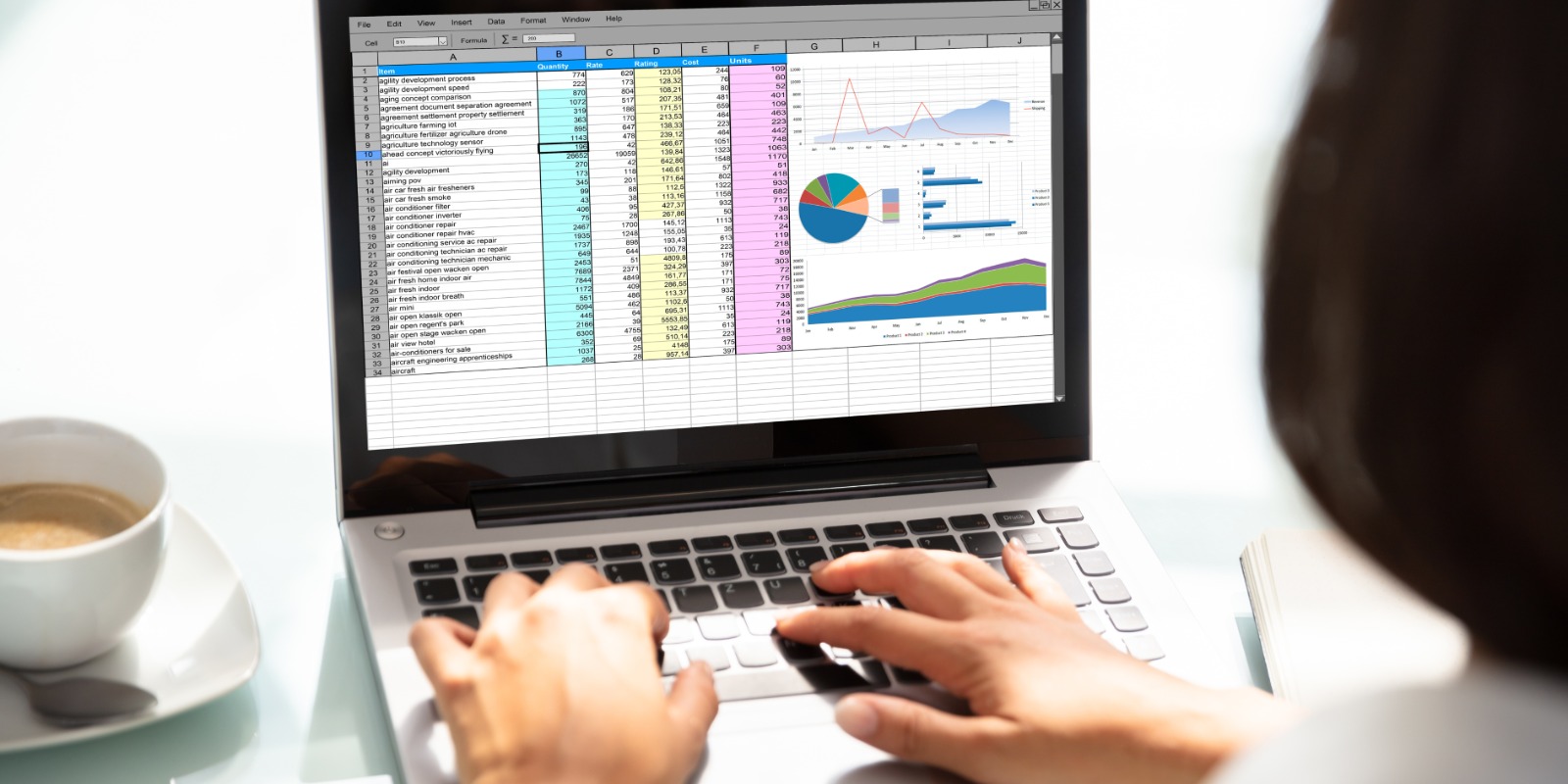
If your business finances still live inside dozens of Excel files, color-coded tabs, and endless formulas… you’re not alone. Many growing companies start that way — until the spreadsheets start running the show.
Sooner or later, you hit the same roadblocks:
- “Where did that version go?”
- “Why isn’t the total matching again?”
- “Can someone please fix this broken formula?”
It’s exhausting. But there’s a better way.
Enter Zoho Books a smart, cloud-based accounting solution that replaces confusion with clarity, and repetitive tasks with automation.
From Manual Work to Smart Automation

Zoho Books is designed to make your business accounting feel effortless.
Instead of juggling multiple Excel sheets, you get a single digital workspace that handles invoices, payments, expenses, and reports automatically.
Here’s what makes it powerful:
1. Automation for Everyday Tasks
Zoho Books automates almost everything you once did manually
- Recurring invoices and payment reminders are sent automatically.
- Expense entries are captured from receipts.
- Bank transactions sync daily for quick reconciliation.
No more late nights cleaning up sheets. The system does it for you accurately and instantly.
“You handle your business; Zoho Books handles your books.”
2. Real-Time Financial Dashboard
With Zoho Books, you don’t need to open five different spreadsheets to see how your business is doing.
A real-time dashboard shows your cash flow, overdue invoices, expenses, and tax liabilities all on one screen.
You can instantly track:
- Which clients owe you money?
- Which projects are profitable?
- How much tax will you owe next month?
This clarity helps business owners make faster, smarter decisions.
No More Data Entry Dramas
3. Smart Document Scanning (OCR)
Snap a picture of a bill or upload a PDF. Zoho Books uses Optical Character Recognition (OCR) to read amounts, dates, and vendors automatically.
No typing, no copy-paste errors, no stress.
4. Bank Feeds and Reconciliation Made Simple
Sync your bank accounts, and Zoho Books automatically pulls transactions daily.
You can categorize and reconcile them with a single click.
This is especially handy for businesses with multiple bank accounts, common in regions like the UAE and Africa, where clients use different payment gateways and currencies.
Works Wherever You Do

Whether your team is in Dubai, Nairobi, or Los Angeles, Zoho Books keeps everyone connected.
It’s cloud-based, so your data is always available securely from any device.
Some of its best global-friendly features include:
- Multi-Currency Support: Automatically converts and records foreign transactions.
- Localized Tax Compliance: VAT-ready for UAE and Gulf, GST-ready for India, and compliant with most Western and African tax systems.
- Multi-Language Interface: So your team members can work in the language they’re comfortable with.
“One platform, endless borders. Zoho Books grows with your business.”
Reports You Can Actually Understand

Excel can give you numbers. But Zoho Books gives you insights.
The platform generates over 50 customizable reports from Profit & Loss statements to Cash Flow and Balance Sheets.
You can view them in real time, share them with your accountant, or export them in just one click.
Plus, the new Business Overview Report combines income, expenses, receivables, and payables into one simplified view, making it easy for business owners to understand their financial health at a glance.
Smarter Collaboration, Zero Confusion
Remember the chaos of multiple spreadsheet versions? Zoho Books solves that completely.
- Your accountant, sales manager, and finance team can work on the same platform at once.
- Every change is tracked and time-stamped.
- You can set user permissions so only the right people see the right data.
This transparency keeps everyone aligned and reduces errors caused by outdated files.
Accounting on the Go
Zoho Books isn’t stuck on your desktop it goes wherever you go.
Its mobile app lets you:
- Send invoices instantly.
- Record expenses in real time.
- Get payment alerts.
- View reports anywhere.
Perfect for entrepreneurs who manage multiple clients, suppliers, or projects while on the move.
Bonus: AI Assistant for Accounting
The latest Zoho Books release also integrates with Zia, Zoho’s intelligent AI assistant.
Zia can analyze spending patterns, predict late payments, and suggest actions like when to send reminders or how to optimize expenses.
It’s like having a personal financial analyst who never sleeps.
Conclusion: From Chaos to Clarity
If you’ve outgrown spreadsheets and endless manual entries, Zoho Books is the natural next step.
It combines automation, collaboration, and real-time reporting into one powerful, easy-to-use system.
For small and medium-sized businesses across the UAE, Gulf, Africa, and Western regions, Zoho Books turns accounting from a chore into a strength, helping teams focus on growth instead of chasing numbers.
So the next time your Excel crashes or a formula breaks, remember there’s a smarter way.
“Let Zoho Books turn your accounting chaos into financial clarity.”





Post Comment