

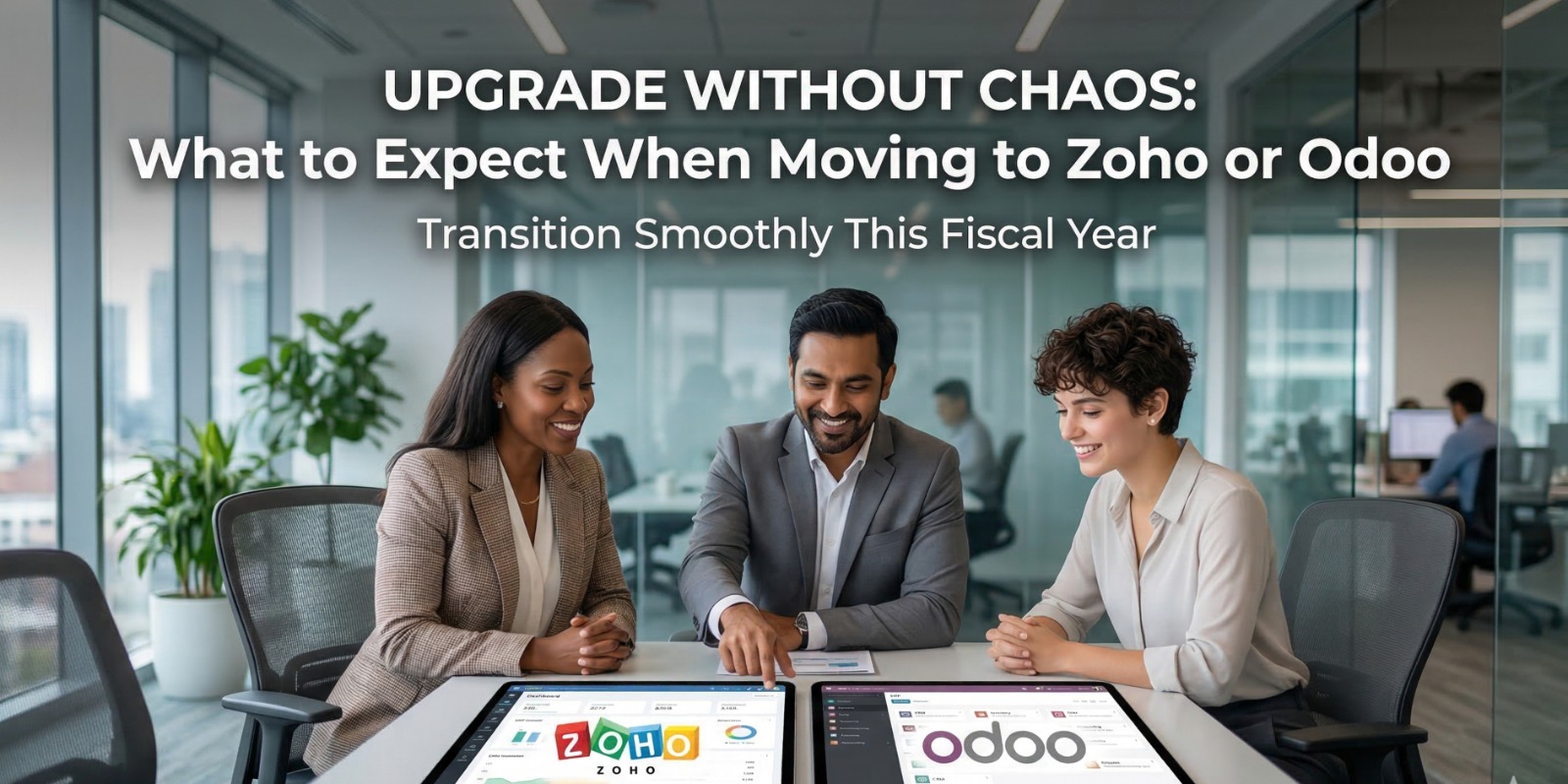
A Practical Guide to Transitioning From Fragmented Systems to Scalable Business Platforms
Table of Contents
A new fiscal year is when businesses reset goals, refine strategies, and invest in systems that support growth. For many organizations, this is also the moment they decide to upgrade—moving from spreadsheets, legacy tools, or disconnected software to integrated platforms like Zoho or Odoo.
However, while the decision to upgrade is strategic, the journey itself often feels uncertain.
Will operations get disrupted?
Will teams resist change?
How long will it take to see results?
The truth is, upgrading to Zoho or Odoo is not just a software change. It is an operational transformation. And understanding what to expect can make the difference between a smooth transition and a costly implementation failure.
The Real Pain Point: Growth Has Outgrown Your Systems
Most businesses don’t upgrade because they want to—they upgrade because they have to.
As companies grow, existing systems start showing cracks:
- Multiple tools for sales, accounting, and inventory
- Manual processes are slowing down operations
- Lack of real-time visibility
- Frequent data mismatches
- Delayed reporting and decision-making
These are not isolated issues. They are symptoms of a deeper problem:
👉 Your business has scaled, but your systems haven’t.
Before vs After Upgrade: Operational Reality
| Area | Before (Legacy Tools) | After (Zoho / Odoo) |
|---|---|---|
| Data Management | Scattered across tools | Centralized platform |
| Reporting | Manual & delayed | Real-time dashboards |
| Workflows | Manual handoffs | Automated processes |
| Accuracy | High error risk | High data reliability |
| Decision-Making | Reactive | Proactive |
The upgrade is not just about efficiency—it’s about gaining control over your operations.
What Actually Happens During an ERP Upgrade
One of the biggest misconceptions is that ERP implementation is a quick “install and run” process. In reality, it follows a structured transformation journey.
1. Discovery & Process Mapping
The first step is understanding how your business currently operates. This includes workflows, dependencies, and pain points. Most businesses discover inefficiencies they were not even aware of.
2. System Design & Configuration
Based on your workflows, Zoho or Odoo is configured to match your operations. Modules such as CRM, accounting, inventory, or HR are customized.
3. Data Migration
Existing data (customers, products, financials) is cleaned and migrated into the new system. This is a critical step to ensure accuracy.
4. Testing & Validation
Before going live, workflows are tested to ensure everything works as expected.
5. Go-Live & Adoption
The system is launched, and teams begin using it in real-time operations.
Common Challenges (And How to Handle Them)
Every upgrade comes with challenges. The key is to anticipate them.
| Challenge | Why It Happens | Solution |
|---|---|---|
| Team Resistance | Fear of change | Proper training & communication |
| Data Issues | Poor data quality | Clean and validate before migration |
| Process Gaps | Undefined workflows | Map processes clearly |
| Over-Customization | Trying to replicate old systems | Adopt best practices instead |
| Slow Adoption | Lack of ownership | Assign internal champions |
Organizations that treat ERP as a change management initiative perform significantly better than those treating it as just a technical project.
Zoho vs Odoo: Which One Should You Choose?
Both Zoho and Odoo are powerful platforms, but they serve slightly different needs depending on business structure and complexity.
| Factor | Zoho | Odoo |
|---|---|---|
| Best For | SMBs, service-based businesses | SMEs to enterprises, manufacturing |
| Ease of Use | Very user-friendly | Moderate learning curve |
| Customization | Limited but structured | Highly flexible & open |
| Pricing | Subscription-based | Modular & scalable |
| Ecosystem | Strong SaaS suite | Strong ERP ecosystem |
👉 Zoho is ideal for businesses looking for quick deployment and simplicity.
👉 Odoo is better suited for businesses requiring deeper customization and operational control.
Real Case Study: Retail Business Transformation
A growing retail company managing multiple outlets relied on separate tools for billing, inventory, and accounting. As they expanded, issues started piling up:
- Stock mismatches across locations
- Delayed financial reporting
- Manual reconciliation errors
- Lack of centralized visibility
After upgrading to Odoo:
| Metric | Before Upgrade | After Upgrade |
|---|---|---|
| Inventory Accuracy | 75% | 96% |
| Reporting Time | 2–3 days | Real-time |
| Order Processing | Manual | Automated |
| Operational Visibility | Limited | Centralized |
The business didn’t just improve efficiency—it unlocked scalability.
What Changes After Implementation
Once Zoho or Odoo is fully implemented, the transformation becomes visible across the organization.
Operational Impact
- Processes become standardized
- Teams collaborate more effectively
- Data flows automatically between departments
Financial Impact
- Faster invoicing and collections
- Better cash flow visibility
- Reduced operational costs
Strategic Impact
- Real-time decision-making
- Improved forecasting
- Ability to scale without chaos
Timeline Expectations: How Long Does It Take?
ERP implementation timelines vary based on complexity.
| Business Type | Estimated Timeline |
|---|---|
| Small Business | 3–6 weeks |
| Medium Business | 6–12 weeks |
| Complex Operations | 3–6 months |
The key is not speed, but accuracy and adoption.
Signs You Are Ready for an Upgrade
If your business is experiencing any of these, it’s the right time:
- You rely heavily on spreadsheets
- Data is duplicated across systems
- Reports take too long to generate
- Teams struggle with coordination
- Growth is creating operational stress
These are clear signals that your systems are holding you back.
Final Thoughts
Upgrading to Zoho or Odoo is not just about implementing new software. It is about building a foundation for future growth.
Businesses that approach this transition strategically gain:
- Operational clarity
- Process efficiency
- Real-time visibility
- Scalable systems
Those that delay the upgrade continue to face inefficiencies that compound over time.
The real question is not whether you should upgrade.
It is whether your current systems are capable of supporting the next phase of your business.
Because growth is not just about increasing revenue.
It is about having the systems to sustain it.



Post Comment