

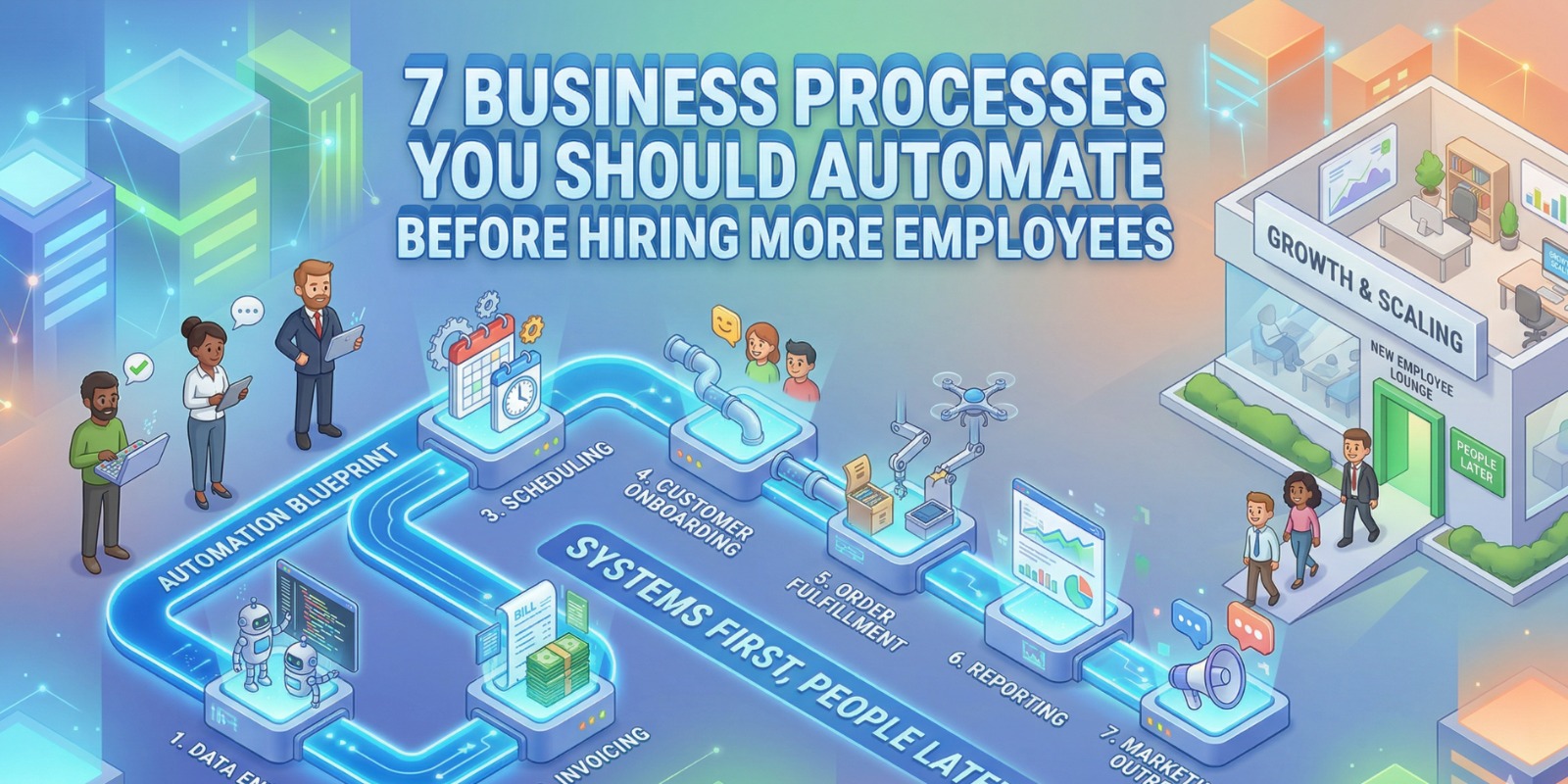
Why Growing Companies Scale Smarter With Automation Instead of Headcount
Table of Contents
When businesses begin to grow, the first instinct is often to hire more employees. More sales mean hiring more sales coordinators. More customers mean hiring more support staff. More orders mean expanding operations teams. While hiring may solve short-term workload pressure, it often creates long-term inefficiencies if the underlying processes remain manual.
Many organizations scale their headcount before scaling their systems. As a result, they increase operational costs without improving productivity. Teams grow, but workflows remain inefficient, leading to coordination issues, inconsistent data, and management complexity.
The smarter approach is to automate repetitive processes before expanding teams. Automation removes manual work, improves efficiency, and allows businesses to scale without unnecessary hiring.
The Real Pain Point: Hiring to Fix Inefficient Processes
Companies often hire new employees to handle tasks such as:
- Manual data entry
- Order processing
- Invoice creation
- Customer follow-ups
- Reporting preparation
But these tasks are repetitive and can be automated. Hiring more people to manage inefficient workflows increases costs and reduces scalability.
Hiring vs Automation
| Factor | Hiring More Staff | Automating Processes |
|---|---|---|
| Cost | High | Lower long-term |
| Speed | Depends on people | Instant |
| Errors | Possible | Reduced |
| Scalability | Limited | High |
| Efficiency | Moderate | High |
Automation ensures businesses scale operations without proportional headcount growth.
7 Business Processes You Should Automate
1. Lead Management and Follow-ups
Sales teams often spend time manually tracking leads, sending follow-up emails, and updating CRM systems. This slows response times and reduces conversion rates.
Automation can:
- Capture leads automatically
- Assign leads to sales reps
- Send follow-up emails
- Track engagement
- Update CRM automatically
This improves conversion without hiring additional sales coordinators.
2. Invoice Creation and Billing
Finance teams frequently create invoices manually after orders are confirmed. This process delays billing and cash flow.
Automated billing:
- Generates invoices automatically
- Sends payment reminders
- Tracks payment status
- Updates accounting data
This reduces finance workload significantly.
3. Order Processing
Manual order processing requires multiple handoffs between sales, operations, and finance.
Automated order workflow:
Order confirmed
↓
Invoice generated
↓
Inventory updated
↓
Shipping triggered
↓
Customer notified
This eliminates coordination delays.
4. Customer Support Responses
Customer support teams often respond to repetitive queries such as order status, pricing, and documentation requests.
Automation can:
- Send automated responses
- Provide knowledge base answers
- Route queries to correct teams
- Track support tickets
This reduces the need for additional support staff.
5. Inventory Management
Manual inventory tracking leads to stock mismatches and unnecessary hiring for warehouse coordination.
Automated inventory:
- Real-time stock updates
- Low stock alerts
- Auto reorder rules
- Multi-location tracking
This improves efficiency without expanding operations teams.
6. Approval Workflows
Managers often spend time approving requests via email, creating delays.
Automation enables:
- Automated approval routing
- Notifications for pending approvals
- Status tracking
- Audit logs
This speeds decisions and reduces coordination overhead.
7. Reporting and Dashboards
Teams often create reports manually using spreadsheets, which consumes time.
Automated reporting provides:
- Real-time dashboards
- Automated performance metrics
- Financial insights
- Operational analytics
This eliminates manual reporting work.
Real Case Study: Growing Service Business
A service company experiencing rapid growth planned to hire additional operations staff. Their processes included manual lead tracking, invoicing, and reporting.
Challenges:
- Manual follow-ups
- Delayed invoices
- Time-consuming reporting
- Operational inefficiencies
Instead of hiring, they implemented automation.
| Metric | Before | After |
|---|---|---|
| Follow-up Time | Manual | Automated |
| Invoice Creation | Manual | Instant |
| Reporting | 1 day | Real-time |
| Hiring Need | 3 employees | 0 |
The company scaled operations without increasing headcount.
Automation Impact Across Departments
| Department | Process to Automate | Benefit |
|---|---|---|
| Sales | Lead tracking | Faster conversions |
| Finance | Invoicing | Improved cash flow |
| Operations | Order processing | Faster fulfillment |
| Support | Customer responses | Reduced workload |
| Management | Reporting | Better decisions |
Automation improves efficiency across the organization.
When Should You Hire Instead of Automate?
Hiring makes sense when:
- Work requires human judgment
- Customer relationship management
- Strategic planning
- Creative tasks
Automation should handle repetitive tasks, while people focus on high-value work.
Signs You Should Automate Before Hiring
- Teams are overloaded with repetitive tasks
- Manual data entry across systems
- Hiring planned for operational roles
- Reporting delays
- Multiple handoffs between teams
These indicate automation opportunities.
Final Thoughts
Hiring more employees may temporarily solve workload challenges, but it does not fix inefficient workflows. Automation addresses the root cause by streamlining processes and reducing manual work.
Businesses that automate before hiring build scalable operations, reduce costs, and improve productivity. Those that hire without automation often struggle with operational complexity.
The smartest growth strategy is simple:
Automate repetitive work first.
Then hire for strategic roles.
Because scalable businesses are built on systems — not just headcount.


