

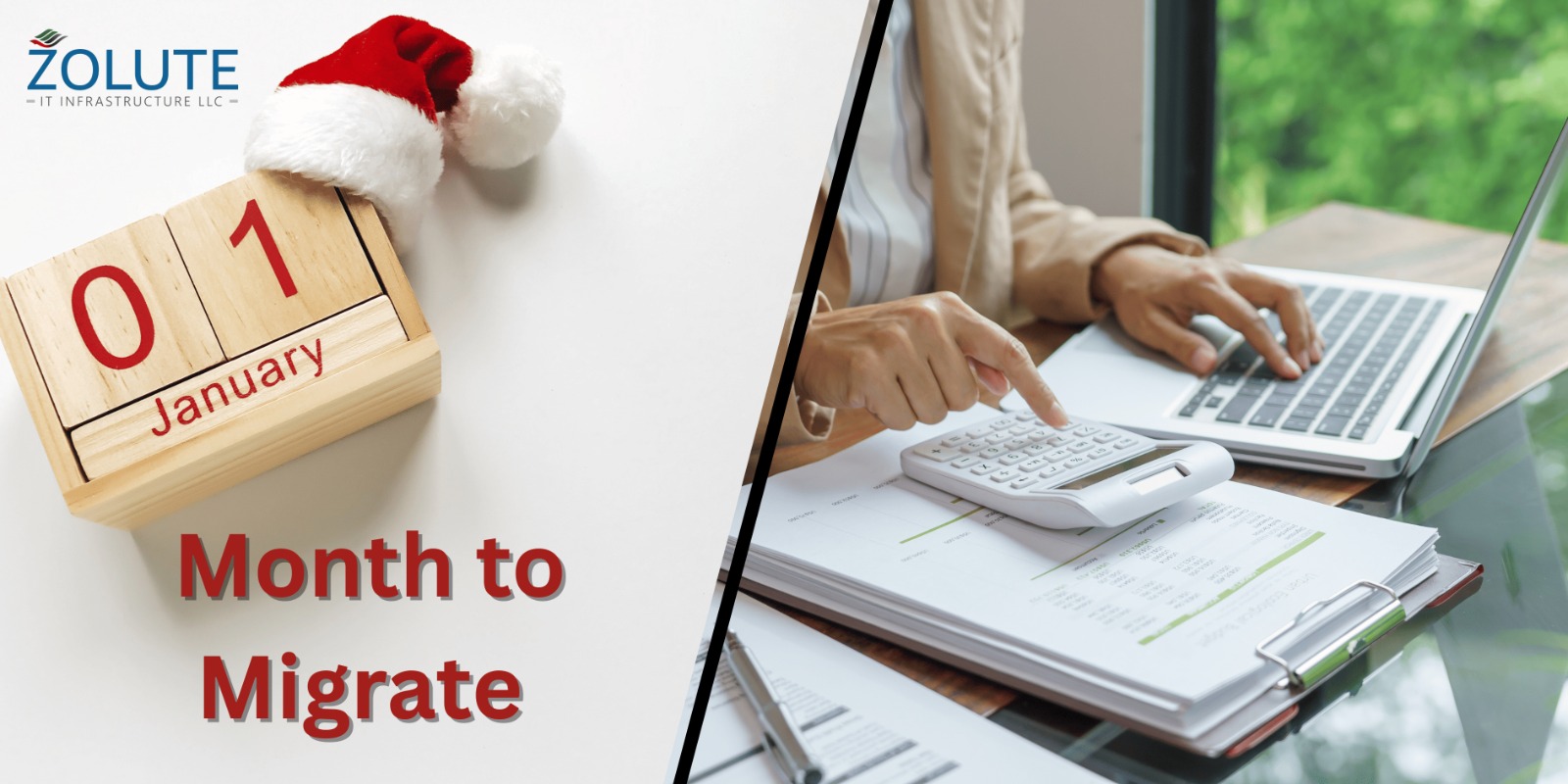
Finish smart. Start strong.
Table of Contents
January Chaos Is Not an Accident
Every year, many businesses face the same problem in January.
New books open. Old systems struggle. The data does not match. Reports take too long.
January becomes stressful not because accounting is hard, but because preparation was delayed.
December is the quiet hero of financial planning. It is the month where smart businesses pause, clean up their data, and prepare for the next fiscal year before the rush begins. If you are planning for fiscal year 2026, December is the best time to move to a modern accounting system.
Migrating early helps you close 2025 strong and begin 2026 with clarity, speed, and confidence. This article explains why December migration works best and how modern platforms like Odoo and Zoho make the transition smooth and future-ready.
1. Why January Is the Worst Time to Change Accounting Systems
January looks like a fresh start, but it is also the busiest month for finance teams.
In January, you are already:
- Opening new books
- Handling audits and compliance
- Managing payroll and tax filings
- Answering management questions
Trying to migrate systems during this time adds pressure. Teams rush, mistakes happen, and learning a new system feels overwhelming.
December, on the other hand, offers breathing room. Workloads are lighter, teams are available, and you can test systems without affecting daily operations. Migrating early removes January panic and replaces it with control.
2. December Lets You Close 2025 Cleanly
One of the biggest advantages of migrating in December is a clean financial closure.
December migration allows you to:
- Finalize 2025 books in the old system
- Clean master data (customers, vendors, accounts)
- Remove duplicate or unused records
- Fix opening balance issues before 2026
New accounting tools now offer guided closing checklists, automated reconciliations, and error alerts that help teams spot issues early. Instead of carrying old problems into the new year, you start fresh.
A clean close means fewer adjustments, faster audits, and better trust in your numbers.
3. Start 2026 With Ready-to-Use Books
Migrating in December means your 2026 books are ready on Day One.
Modern accounting systems now support:
- Pre-configured charts of accounts
- Fiscal year rollovers with one click
- Automated opening balance setup
- Ready dashboards for the new year
Instead of setting things up in January, you begin the year with live dashboards, updated budgets, and real-time visibility.
This is especially helpful for growing businesses that need quick answers in the first quarter. Management can see revenue, expenses, and cash flow immediately—without waiting weeks.
4. Why Modern Systems Make Migration Easier Than Ever
Many businesses delay migration because they fear complexity. That fear is outdated.
New features in modern accounting platforms include:
- Data import tools for customers, vendors, invoices, and balances
- Automated bank and GST/VAT setup
- Built-in validation to catch errors during migration
- Sandbox or test environments before going live
Both Odoo and Zoho now offer step-by-step migration support, cloud-based access, and integrations with payroll, inventory, CRM, and expense tools.
This means accounting no longer works in isolation. Finance becomes connected to sales, operations, and management—right from the start of 2026.
5. Prepare for Fiscal Year 2026, Not Just Compliance
Accounting today is not only about compliance. It is about insight.
When you migrate in December, you gain time to configure advanced features such as:
- Budgeting and forecasting for 2026
- Cost center and department tracking
- Automated tax calculations
- Real-time profit and loss monitoring
New AI-powered features now highlight unusual expenses, predict cash shortages, and suggest better financial decisions. These tools need setup and learning time—December gives you that space.
By January, your team is not learning the system. They are using it confidently.
6. Train Your Team Before the Pressure Starts
A system is only as good as the people using it.
December migration allows:
- Calm onboarding and training sessions
- Time to answer questions
- Practice with real data
- Process improvements before go-live
Instead of rushing learning during January deadlines, teams feel prepared and confident. This reduces resistance to change and improves adoption.
When people understand the system early, productivity increases from day one of the new fiscal year.
7. Finish Smart. Start Strong.
The best businesses do not wait for problems to appear. They plan.
Migrating your accounting system in December helps you:
- Close 2025 with accuracy
- Avoid January confusion
- Enter fiscal year 2026 with clarity
- Use modern tools to grow faster
This is not just a technical upgrade. It is a mindset shift—from reactive accounting to proactive financial management.
December Is Not Too Early—It Is Right on Time
If you want a smooth January, December is your answer.
By migrating before new books open, you protect your team from stress, protect your data from errors, and protect your business from slow decision-making. You finish the year smart and start the next one strong.
The question is simple:
Do you want January to be about fixing problems—or growing your business?
Close 2025 strong. Set up your 2026 books on a modern system today.
1. Why is December the best time to migrate accounting software?
December is the best time because most businesses are closing their financial year. Data is fresh, books are almost complete, and teams have more time to plan. Migrating in December allows you to start the new fiscal year with clean opening balances and fewer errors.
2. What problems happen if accounting migration is done in January?
January migration often confuses. New books are already open, teams are busy with compliance, and mistakes happen due to rushed work. This can lead to wrong opening balances, delayed reports, and stress during audits.
3. Is it safe to migrate accounting data before year-end closing?
Yes, it is safe when done correctly. Most modern accounting systems allow you to close the current year in the old system and start the new year in the new system. December migration helps validate data before final closing.
4. How long does accounting software migration take?
Migration time depends on business size and data complexity. For small to mid-sized businesses, it usually takes 2 to 4 weeks, including data cleanup, testing, and training. December gives enough buffer before the new fiscal year begins.
5. Can I start a new fiscal year on a new accounting system?
Yes. This is one of the biggest benefits of December migration. You can start the new fiscal year with fresh books, clean opening balances, and a fully configured system ready from day one.
6. What data is transferred during accounting migration?
Typically, the following data is migrated:
Chart of accounts
Customers and vendors
Opening balances
Outstanding invoices and bills
Tax and compliance settings
Historical data can also be imported if required.




Post Comment