
Table of Contents
One Tool Is No Longer Enough
As businesses move closer to 2026, one clear trend is emerging: companies no longer rely on a single software platform to run everything. Business operations have become more complex, faster, and more connected. Sales teams want flexibility, finance teams want accuracy, and leadership wants real-time visibility.
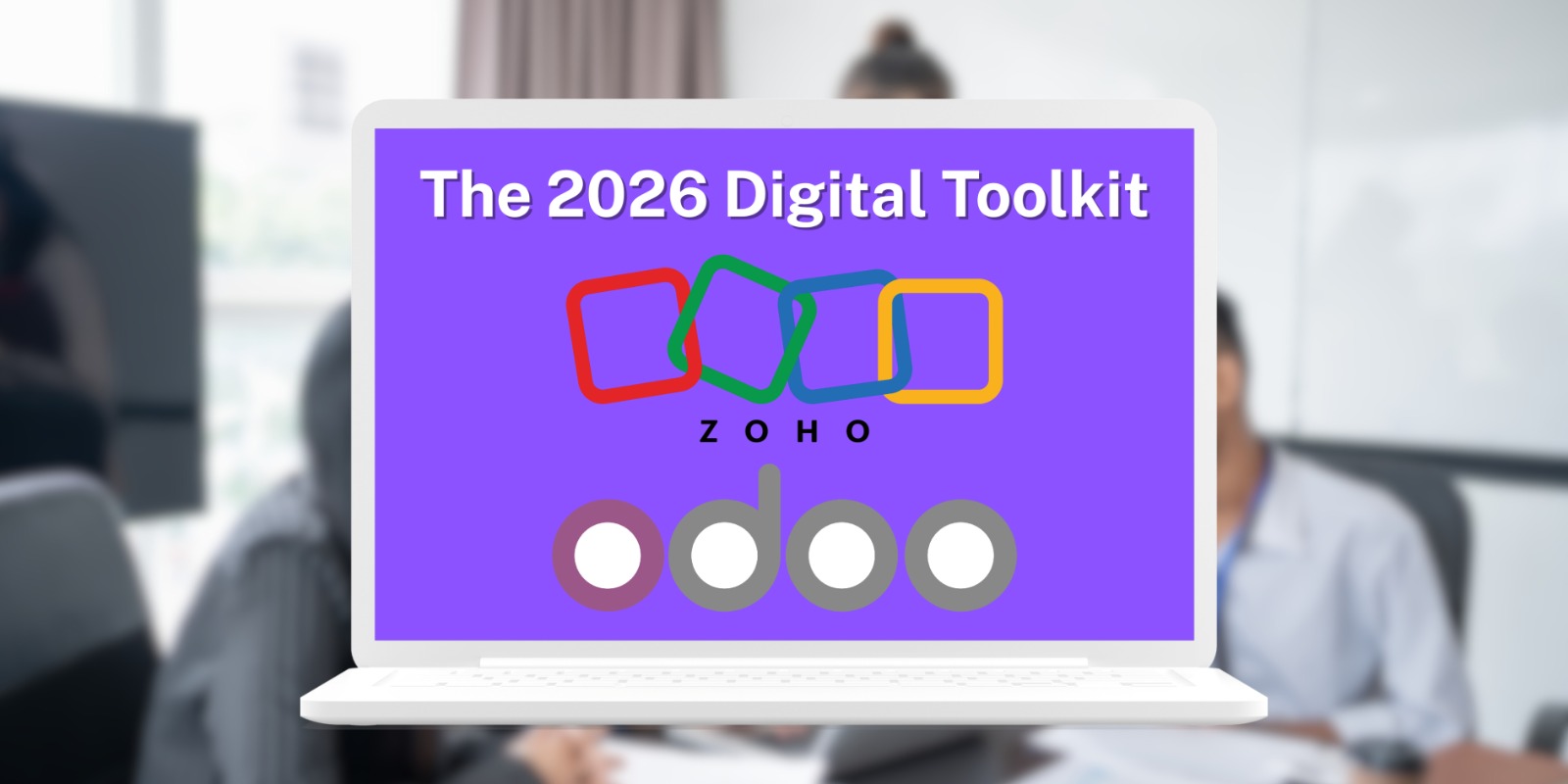
This is where the idea of a digital toolkit comes in. Instead of choosing one system to do everything, businesses are now combining the strengths of multiple platforms. A growing number of companies are adopting Zoho and Odoo together to build a powerful, future-ready setup.
This article explains why this combination is becoming popular, how it works, and what new features in 2026 are making this approach smarter than ever.
What Is a Digital Toolkit in 2026?
A digital toolkit is a set of connected software tools that work together to manage a business. Instead of forcing one system to handle every task, businesses choose the best tool for each function and integrate them smoothly.
In 2026, a modern digital toolkit usually includes:
- CRM for sales and customer relationships
- ERP for finance, inventory, and operations
- Automation for daily tasks
- Analytics for real-time insights
- Collaboration tools for teams
Zoho and Odoo fit perfectly into this model because they focus on different strengths while still being flexible enough to connect.
Why Zoho Is a Key Part of the Toolkit
Zoho is widely known for being simple, user-friendly, and quick to adopt. It is especially strong in customer-facing and team productivity areas.
Zoho’s Core Strengths
Zoho works best for:
- CRM and lead management
- Marketing automation
- Customer support and ticketing
- Email, chat, and internal collaboration
New Zoho Features Shaping 2026
In recent updates, Zoho has added features that make it even more powerful:
- AI-powered CRM insights that suggest next actions for sales teams
- No-code automation for building workflows without technical skills
- Advanced analytics dashboards that explain data in simple language
- Stronger mobile apps for sales and support teams working remotely
For many businesses, Zoho becomes the front-facing system where sales, marketing, and support teams live every day.
Why Odoo Completes the Picture
While Zoho shines in customer and team tools, Odoo is strong at managing the internal engine of a business. It is built as a full ERP system and can handle deep operational needs.
Odoo’s Core Strengths
Odoo is commonly used for:
- Accounting and finance
- Inventory and warehouse management
- Manufacturing and operations
- HR, payroll, and attendance
- Custom workflows and modules
New Odoo Features Driving 2026 Adoption
Odoo has also evolved quickly. New improvements include:
- Faster ERP performance even with large data volumes
- More user-friendly dashboards for non-technical users
- Better manufacturing planning tools
- Improved API and integration support
- AI-assisted forecasting for inventory and finance
Odoo becomes the backbone of the business, handling everything that must be accurate, controlled, and scalable.
Why Businesses Are Using Zoho and Odoo Together
The biggest reason companies use Zoho and Odoo together is balance. Each platform does what it does best, without forcing compromises.
Clear Role Separation
In many setups:
- Zoho manages leads, customers, communication, and support
- Odoo manages finance, inventory, operations, and compliance
This separation keeps systems clean and teams focused.
Better User Experience
Sales and support teams prefer Zoho’s clean and simple interface. Finance and operations teams prefer Odoo’s detailed control. Everyone works in tools designed for their needs.
Flexible Integration
Modern APIs and connectors allow data to flow smoothly between Zoho and Odoo. Examples include:
- Confirmed Zoho deals creating sales orders in Odoo
- Customer data syncing between systems
- Invoices generated in Odoo visible in Zoho CRM
- Real-time revenue and pipeline reporting
Cost and Scalability Benefits
Using Zoho and Odoo together can also be cost-effective. Businesses avoid paying for features they do not need in one large system.
- Zoho offers affordable plans for small and mid-sized teams
- Odoo allows modular growth—pay only for the apps you use
- Both platforms scale as the business grows
This makes the combination attractive for startups, SMEs, and even growing enterprises.
Real-Life Use Case Example
Imagine a growing distribution company:
- Sales teams manage leads and clients in Zoho CRM
- Support teams handle tickets using Zoho Desk
- Finance teams manage accounting and invoicing in Odoo
- Inventory and warehouse operations run fully on Odoo
- Leadership views combined reports from both systems
The result is smoother operations, faster decisions, and better customer experiences.
Challenges and How Businesses Solve Them
Using two platforms does come with challenges. Common concerns include:
- Data synchronization
- Integration setup
- User training
In 2026, these challenges are easier to manage due to:
- Ready-made connectors
- Improved APIs
- Better documentation
- Experienced implementation partners
With the right setup, the benefits far outweigh the effort.
The Future Is Modular, Not Monolithic
The biggest lesson for 2026 is simple: businesses no longer need one tool to do everything. They need the right tools working together.
By combining Zoho’s customer-focused simplicity with Odoo’s operational power, businesses build a digital toolkit that is flexible, scalable, and future-ready.
This approach supports growth, improves team productivity, and prepares companies for changing market demands. The future of business software is not about choosing sides—it is about building smart combinations that work.






Post Comment